
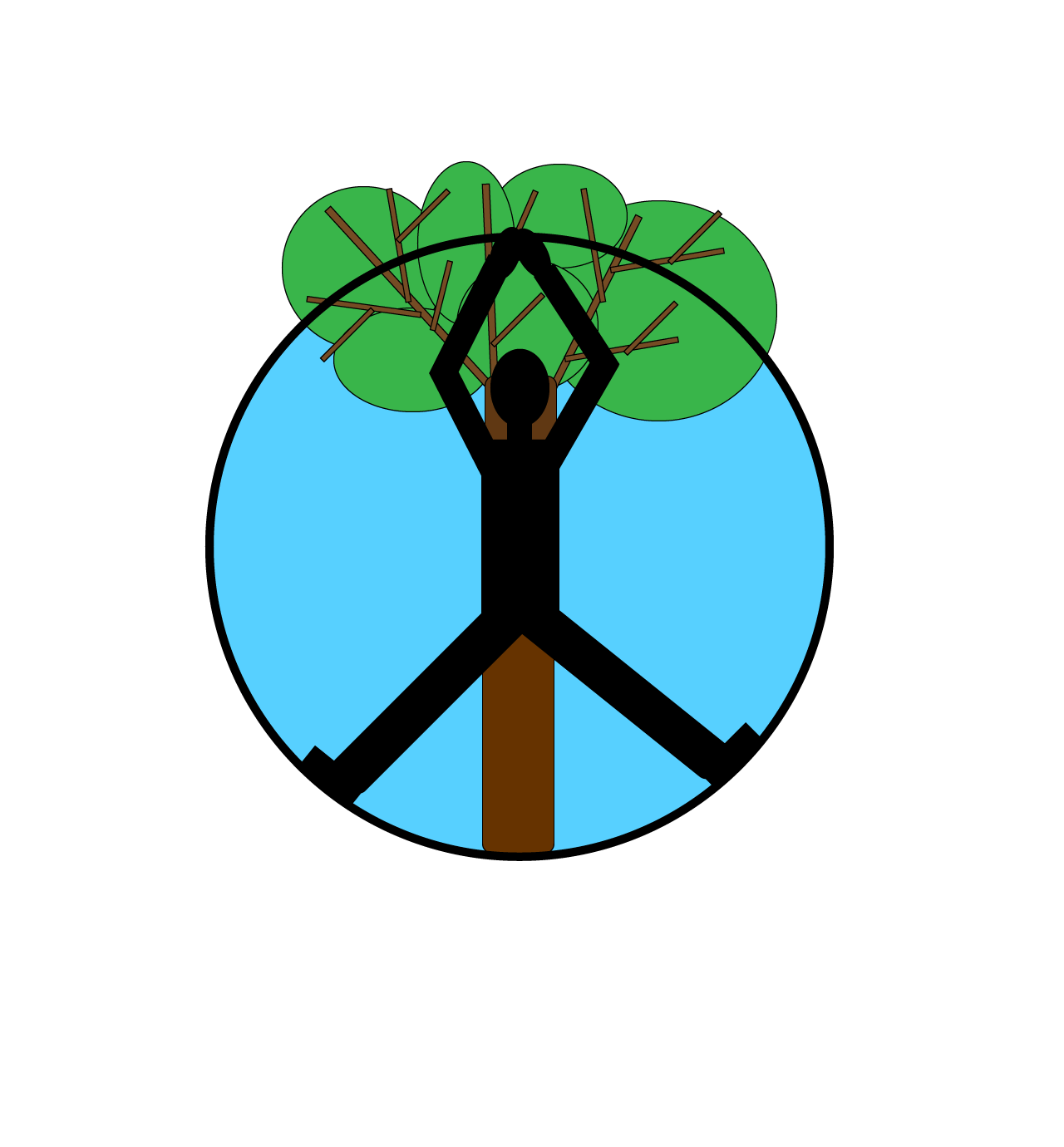
For this project I decided I would combine the idea of peace and yoga together since they already flow so well. A main yoga pose called the upward salute with a little twist on it to fit more into a peace sign. I also correlate peace with nature and nature with trees. I needed one more thing to finish my peace sign and figured that a tree was the perfect fit right along the backside of the yogie.
My course blog topic is based on the flow of yoga and how it can enrich everyone’s lives in many ways. My logo presents an insight into a yoga brand that specializes in introducing newcomers to the basic moves of yoga. The logo represents new yoga classes that will be taking place outside in the park along the waterfront. The classes will be Saturday mornings during the summer and will be donation based.
I didn’t do much research in order to create my design, although I did look up the name of the yoga pose that I had in mind. I tried to use a more complex yoga pose to create the 4 legs in the peace sign, but it did not look correct, so I opted in for a tree to do the job. I tried to make my design have multiple meanings that can be interpreted differently depending on the viewer.
I first sketched out my draft on paper using multiple different yoga poses to best create a peace sign. I also traced a circle out of a kitchen bowl that I had. The next step was drawing the tree to make it look like it was behind the person and that was about it. I then took my idea into illustrator and used the shape tool for everything I drew. I then moved, arranged, and rotated the shapes to create a person, a peace sign and a tree.
For the draft I added color to the tree and background of the person. For the final draft I intend to add affects to the whole logo and make it look a bit more detailed.
All of the elements were created in illustrator with the shape tool and scaling, arranging, and rotating the images. The colors were chosen from the color picker, but I intend to find colors that look a bit more realistic with some added effects.
I was unsure of whether we were able to use the pen tool for this project, so I had not done so for the rough draft. If I get the okay from the professor for the final draft, it will look much better. I did not really encounter any technical issues with the design other than illustrator unexpectedly quitting on me a couple times, thankfully autosaving. My only tips are, make sure auto save is on, or command S your project ALL THE TIME!!
 Nicole Turnbull